Application Preview
This page gives a visual tour of the main CVEalert workspaces and shows where common onboarding and triage tasks happen in the app.
Preview Map
-
Daily overview
Start with the Dashboard to understand recent alerts, severity trends, and threat signals.
-
Triage alerts
Use Alerts and CVE Detail when deciding what needs investigation or remediation.
-
Manage software
Use Software Monitoring, Catalog, and Software CVEs to control what CVEalert tracks.
-
Prepare workspace
Use Organization and Integrations to manage workspace access and alert delivery.
Dashboard
Use Dashboard to check recent alerts, severity trends, affected software, and security news at a glance.
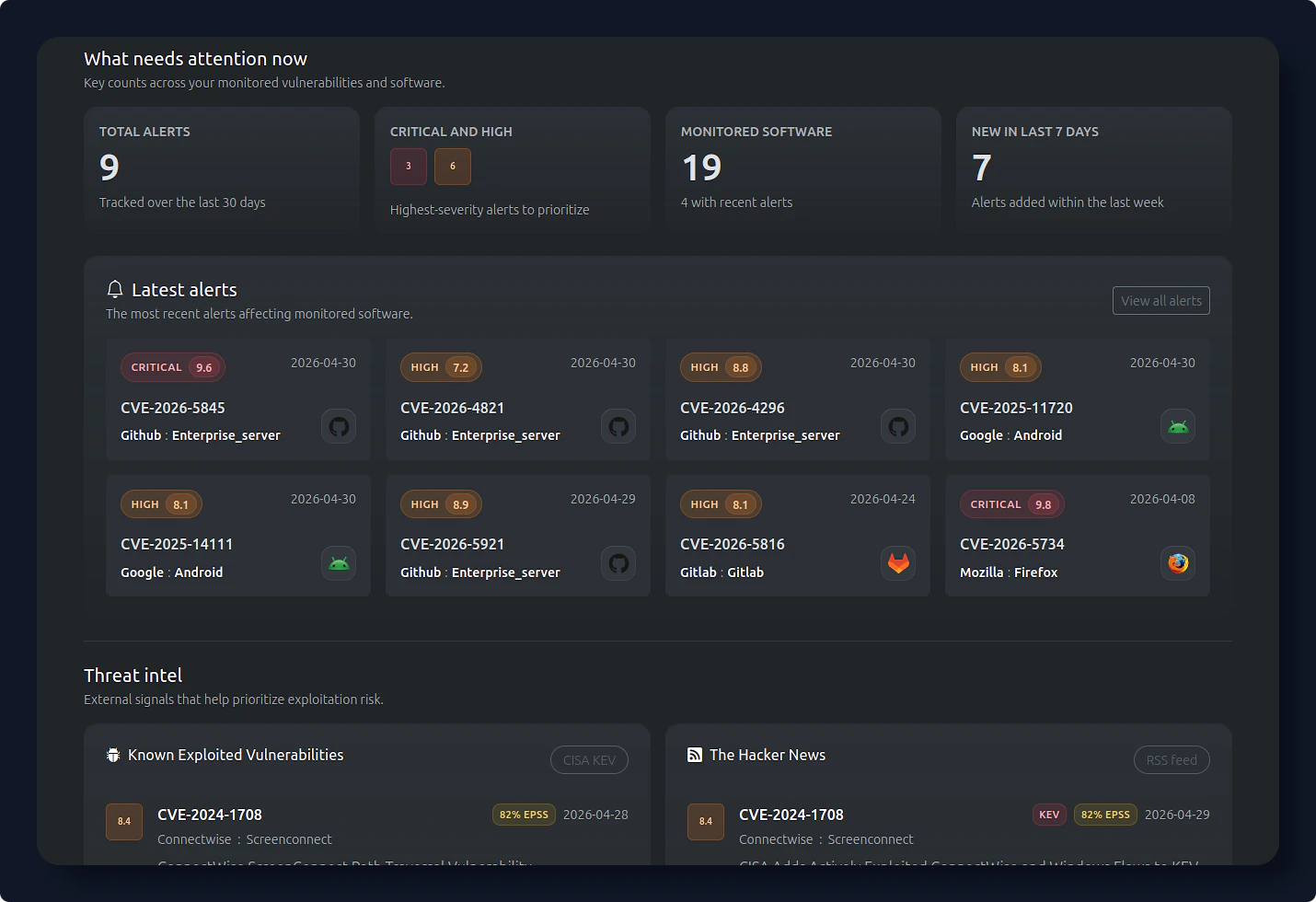
Recent alerts and trends
Alerts
Use Alerts to triage vulnerabilities detected across monitored software.
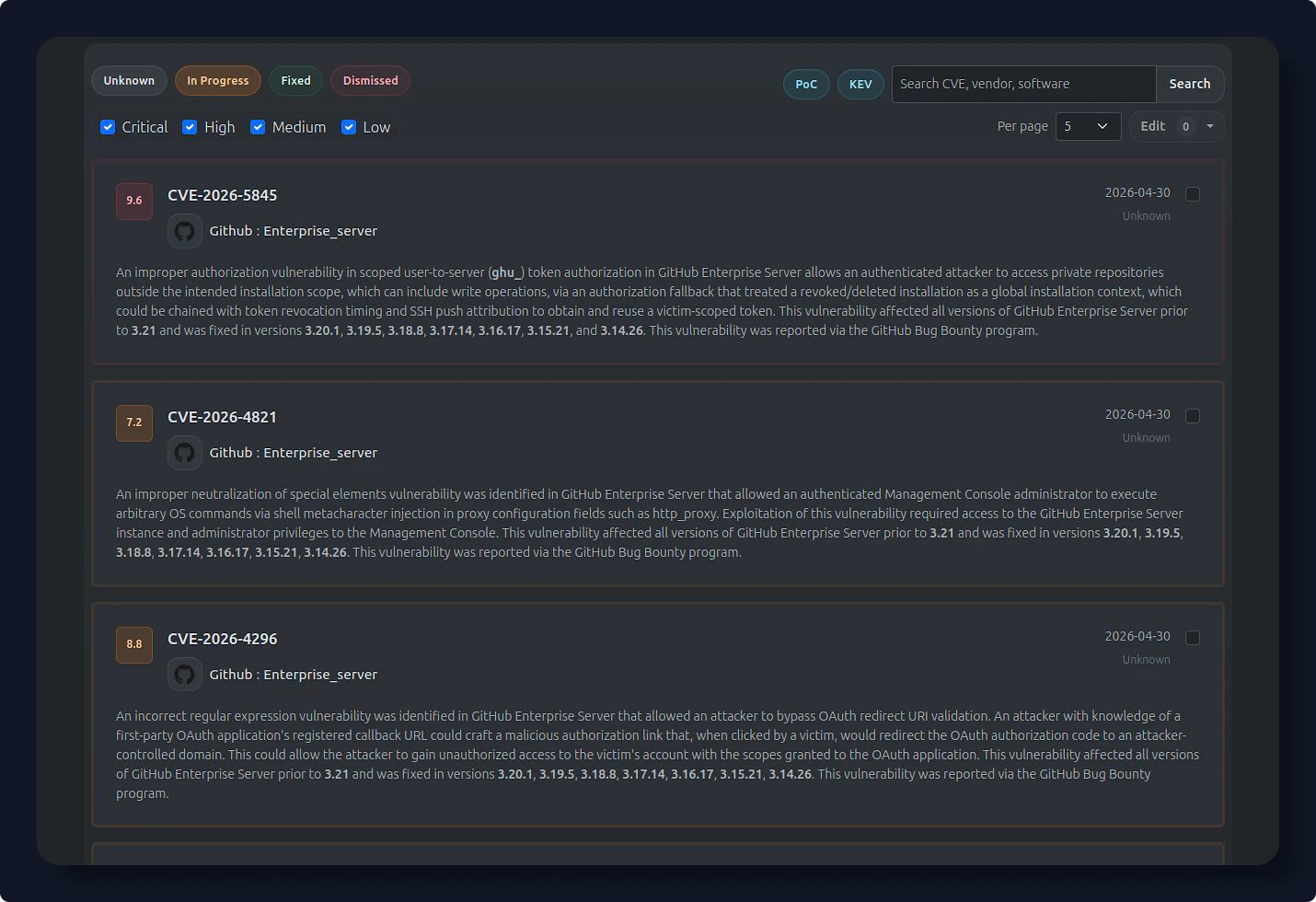
Triage detected vulnerabilities
CVE Detail
Use CVE Detail to investigate severity, affected software, remediation guidance, references, and exploitation context for one CVE.
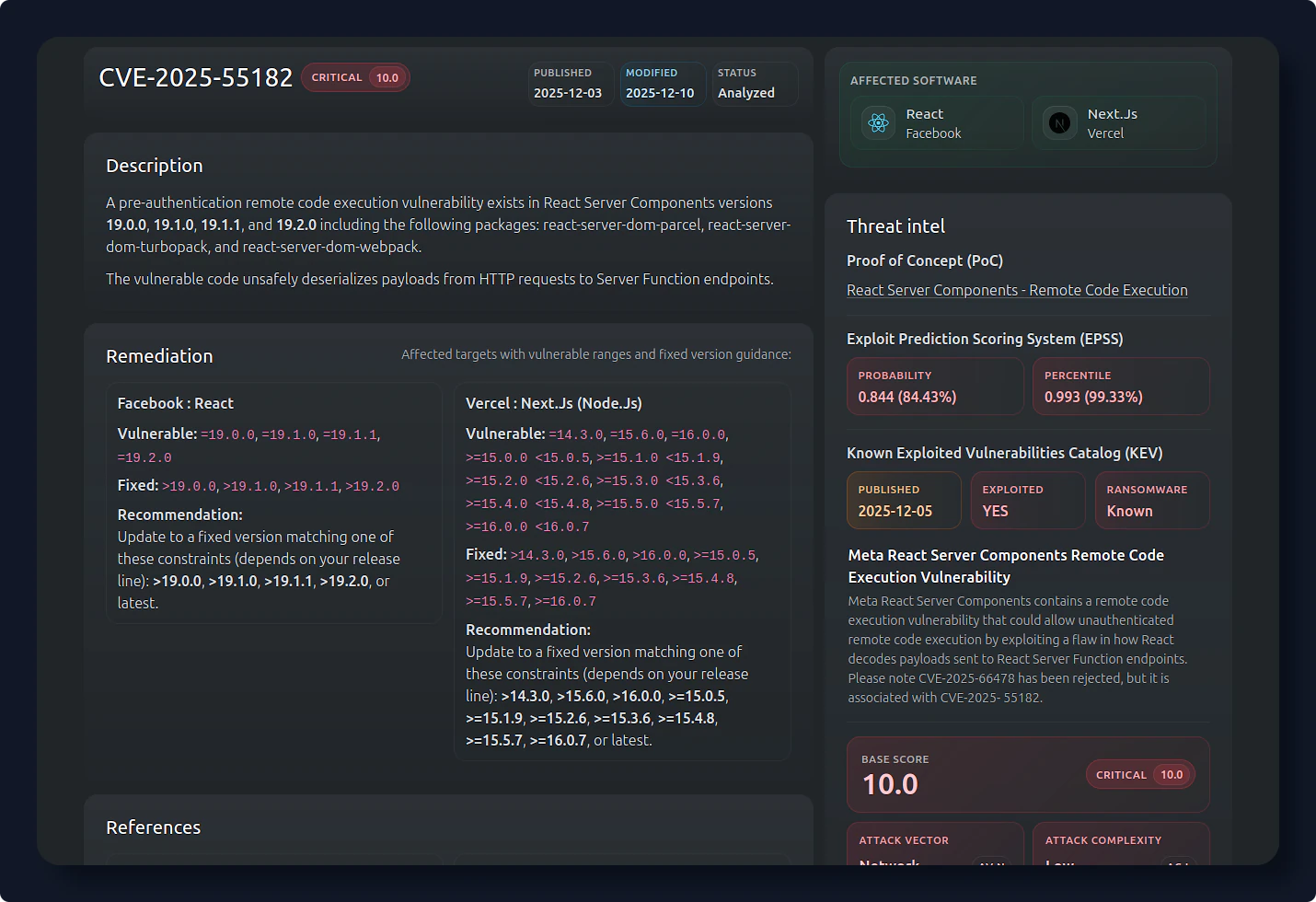
Investigate one vulnerability
Software Monitoring
Use Software Monitoring to manage tracked software and tune alert thresholds.
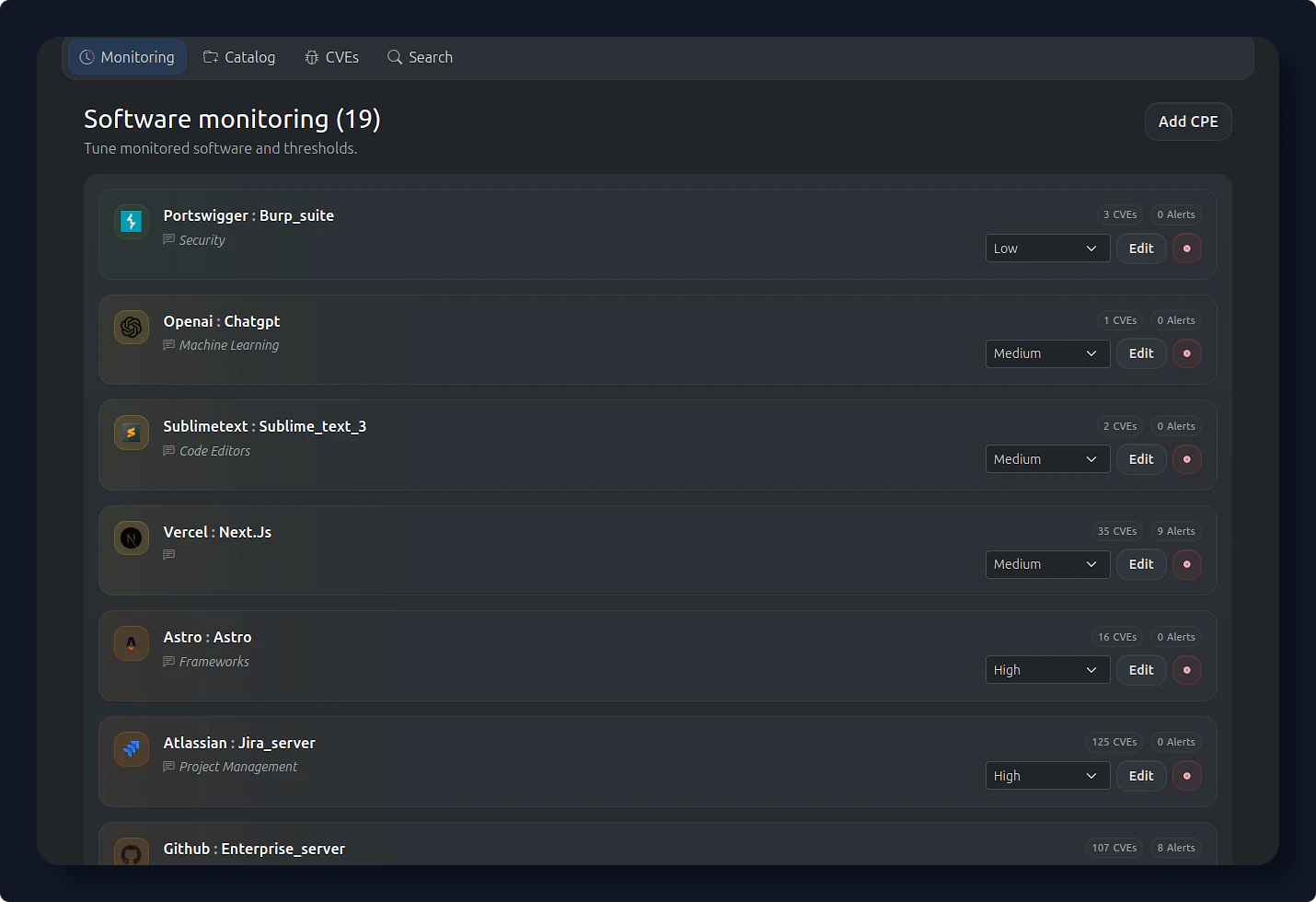
Manage monitored software
Software Catalog
Use Software Catalog to browse known software and add relevant products to monitoring.
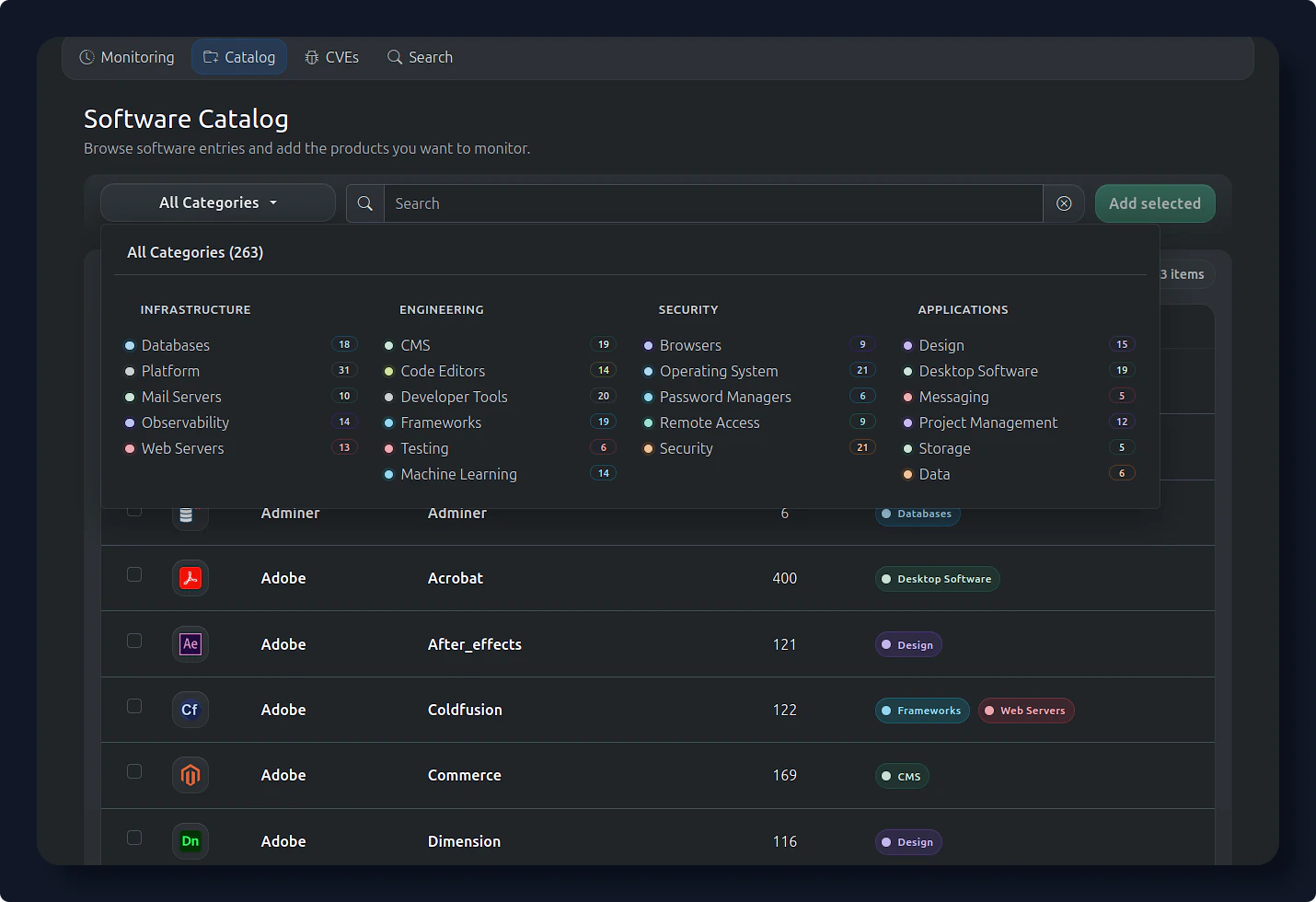
Add software to monitoring
Software CVEs
Use Software CVEs to review vulnerabilities linked to software products and narrow results by severity or exploitability signals.
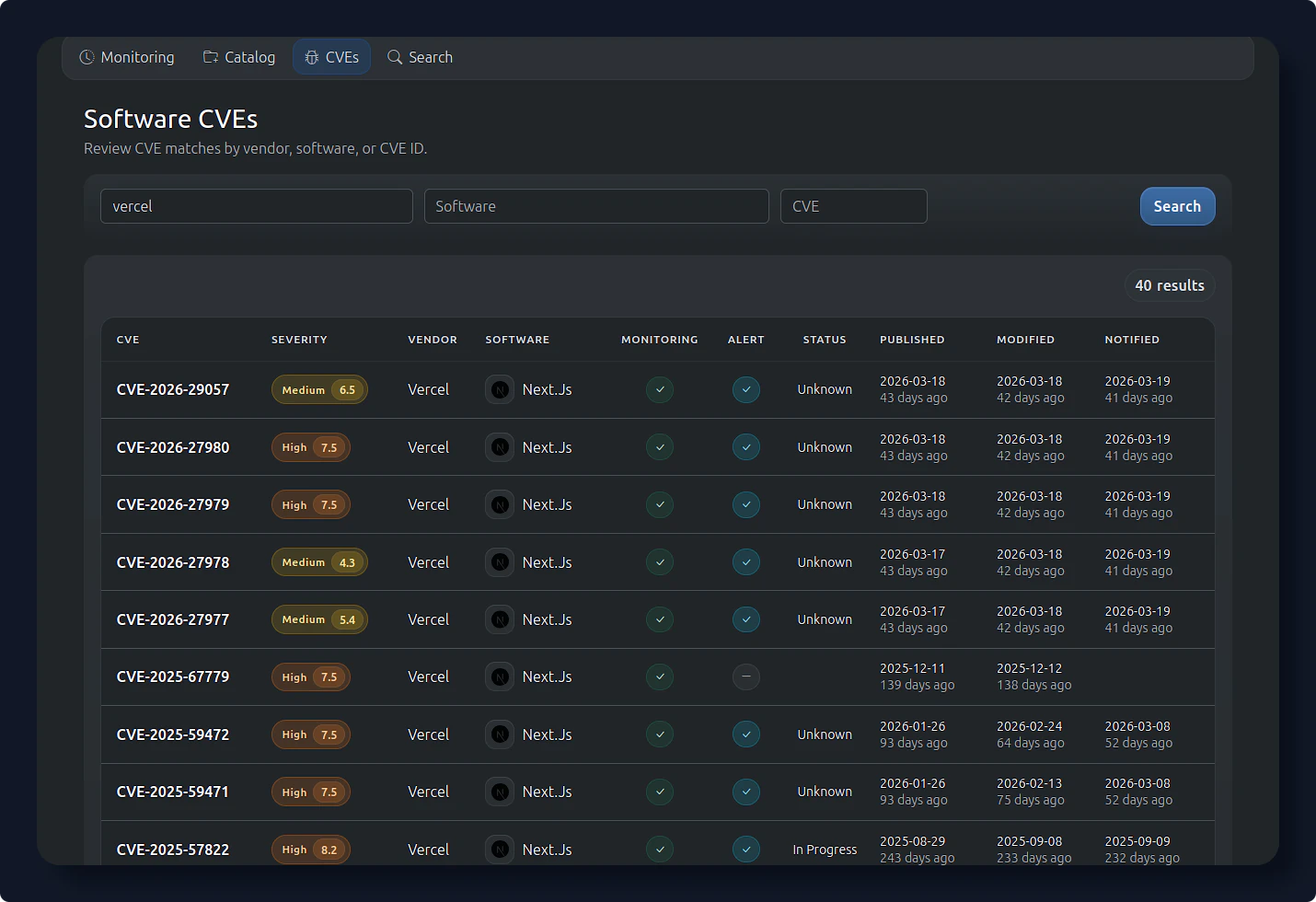
Search product vulnerabilities
Organization
Use Organization to manage the workspace, members, limits, and billing context for your team.
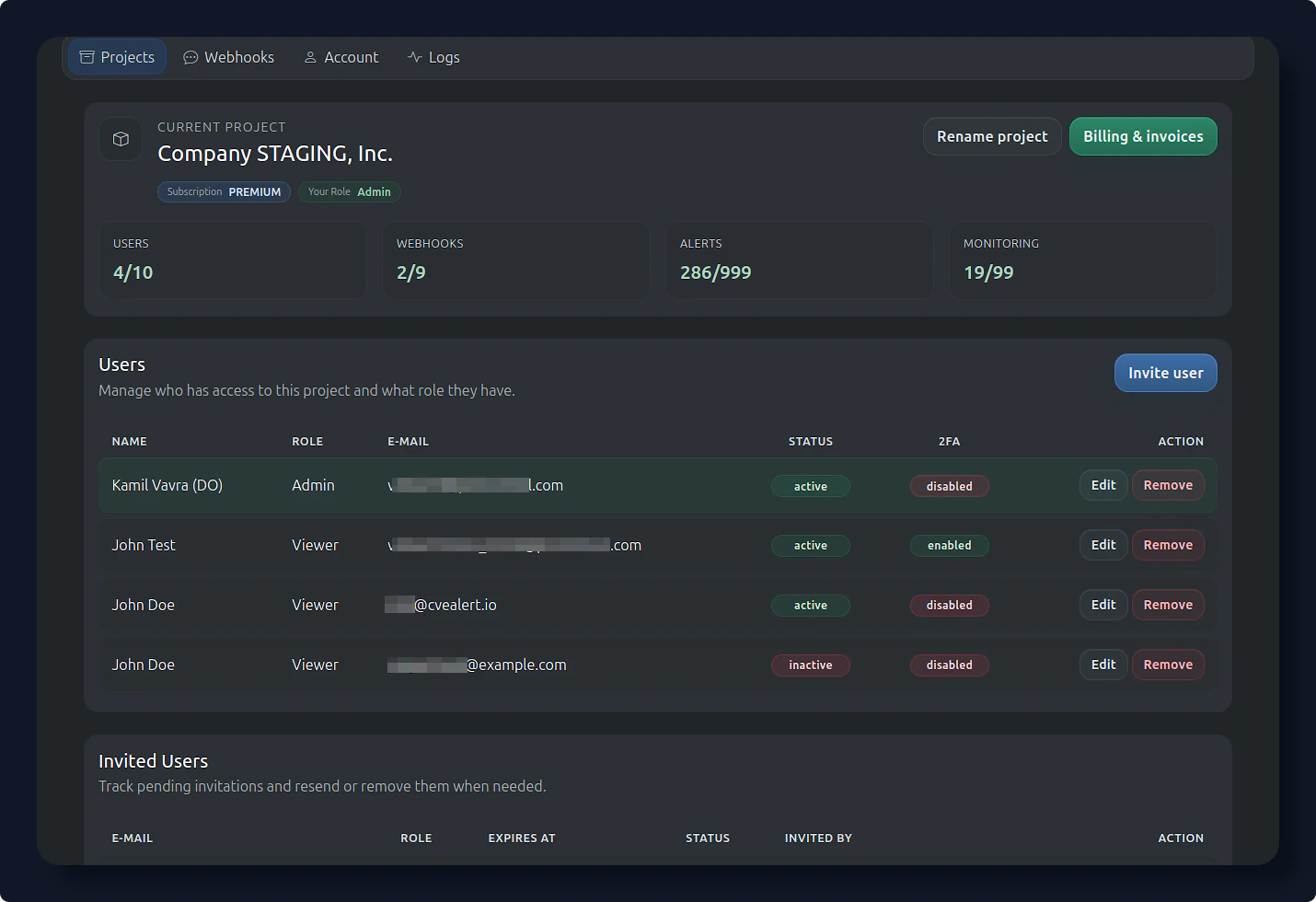
Manage organization settings
Integrations
Use Integrations to send CVE alerts to Slack or Telegram.
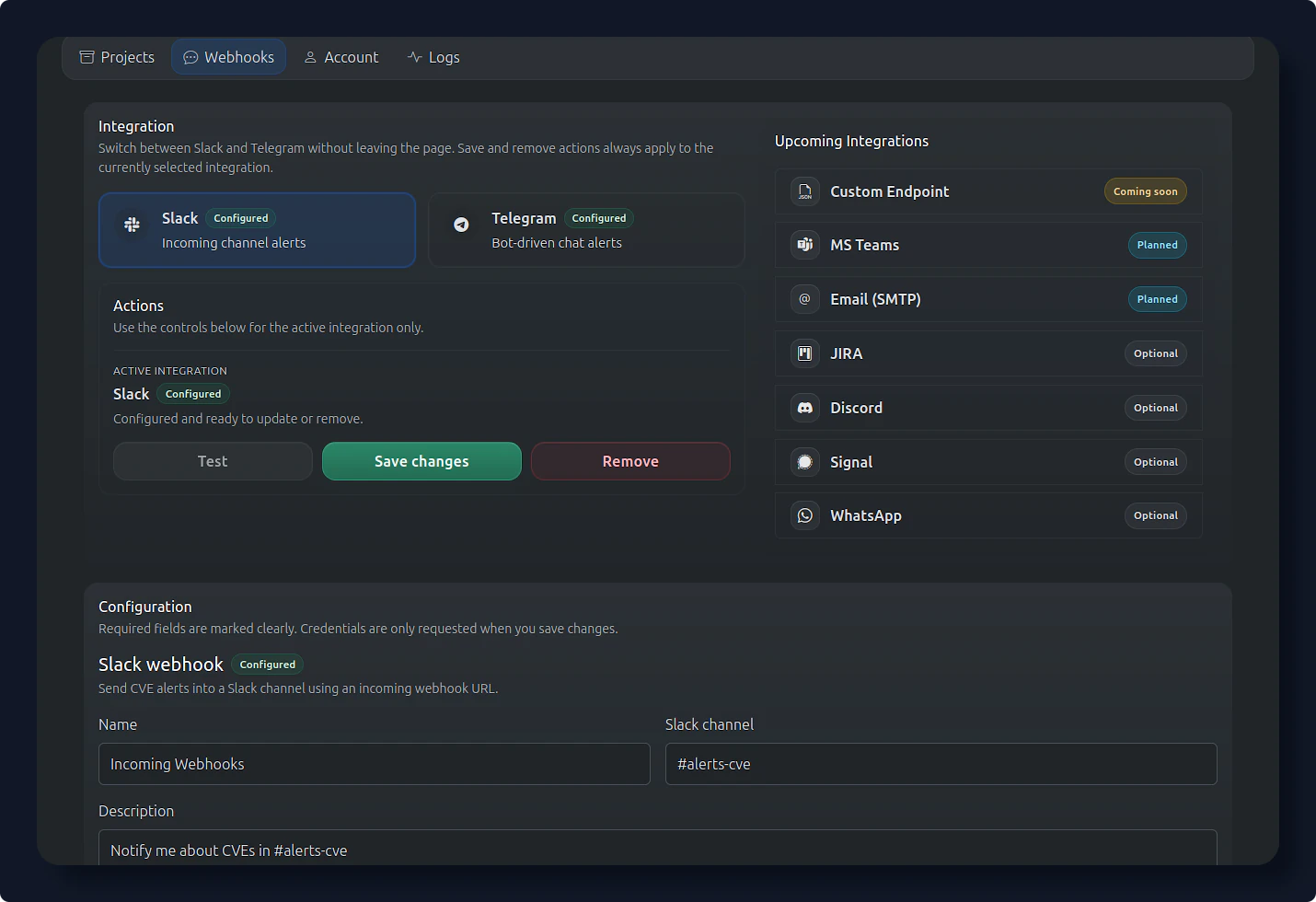
Configure alert integrations